Your agent's workspace, visible and editable.
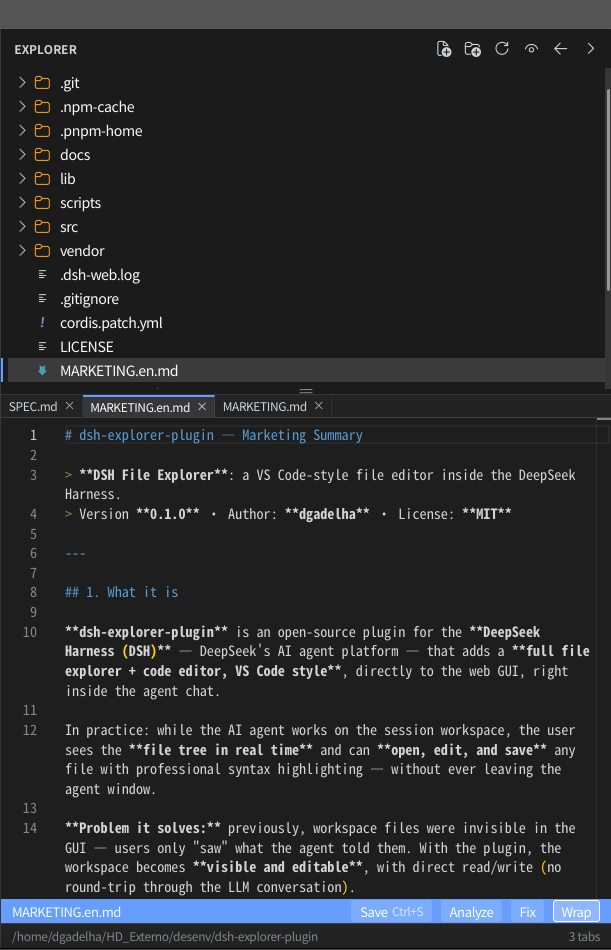
A VS Code-style file explorer and Monaco editor docked right into the DSH chat. Watch the agent work, then jump in and edit — no round-trip through the LLM.
28
languages highlighted
0
build steps
50 MB
max file size
100%
offline assets
Try it
# Quick path — ready-made installers (validate prerequisites, run
# `dsh plugin add -w`, and print the restart step):
scripts\install.bat              # Windows
scripts/install.sh               # Linux
scripts/install-macos.sh         # macOS
#   dry run:     scripts\install.bat --check
#   uninstall:   scripts\install.bat --remove

# Manual path — install into the web profile.
# The -w flag is REQUIRED: without it pnpm fails with
# ERR_PNPM_ADDING_TO_ROOT (the profile is a pnpm workspace root).
dsh plugin --profile web add -w .            # from the plugin checkout

# Restart the web server (bundles are composed at boot)
dsh web
Requires the dsh CLI and pnpm ≥ 8 on your PATH — the scripts
also fall back to the vendored copy in .pnpm-home/.
Full details in the
install guide
and the
README.